
Data logger: how to choose the right one
How to choose a data logger: the variables you need to record, the reading interval, memory, power supply and how to download the data.
A data logger records readings over time. The wrong choice usually shows up late: when the memory fills before anyone downloads the data, when the battery fails in the middle of a test, or when the sensor you already have will not connect. This guide follows the order in which those questions should be answered and ends with models from the HenSistemas catalog.
Start with what you will measure
Each sensor delivers its signal in its own way, and the logger has to accept it. The most common inputs are:
- Analog: voltage, current (such as 4-20 mA), thermocouples and Pt100 or Pt1000 temperature sensors.
- Digital and pulse: counting the pulses of a tipping-bucket rain gauge, a cup anemometer or a flow meter, and logging the time of events, such as a door opening.
- Digital interfaces: SDI-12 and RS485 with the Modbus protocol, used by probes and smart sensors.
Count the channels you need today and leave some room to spare. Also check whether the logger has internal sensors, such as temperature, or whether it works only with external sensors.
Reading interval, memory and logging time
Three numbers decide how long the logger can record before someone downloads the data: the memory, the number of variables and the interval between records. Divide the memory by the number of variables and by the logging frequency to find out how much time it holds.
- A short interval gives more detail, but fills the memory and uses more power. Choose the interval by how fast the variable changes: the temperature of a cold room changes slowly, and that of an industrial process can change fast.
- Measuring and logging can have different intervals on some models. It is worth asking.
- Full memory: some loggers overwrite the oldest data, and others stop recording. Confirm which one the model does.
Accuracy of the whole chain
The final accuracy depends on the sensor and on the logger input, which is often stated as a percentage of the measuring range. Add the two, check that the figure applies to the type of sensor you use, and look at the resolution too. If you log events, check the drift of the internal clock: a wrong time compromises the analysis.
How the data reaches you
- Direct USB: you connect the logger to a computer at the site. It is simple and inexpensive to operate.
- Bluetooth and an app: configure and collect from your phone, without a cable, at the site.
- Wi-Fi or Ethernet: for sites with a network.
- Cellular (3G, 4G, GSM): sends the data to a server, a cloud or by email, and allows SMS alarms. It requires coverage and a data plan.
- Long-range, low-power networks, such as LoRa, when there are many points: confirm with the supplier whether the model supports them.
Telemetry pays off when the site is hard to reach or when an alarm has to arrive in time. Otherwise, downloading the data on site keeps the installation simpler.
Power
- AA batteries work for low-power loggers. Check the runtime the datasheet states.
- External power and a solar panel with a charge controller work for loggers with communication, which use more.
- Cellular transmission causes current peaks: check that the supply and the battery can handle them.
Environment and installation
- IP protection rating. An IP66 enclosure is designed for harsh environments, while an IP40 should stay in a sheltered place, such as a lab, a panel or a room.
- Operating temperature and humidity of the logger, not just those of the sensors.
- Mounting: wall, panel, mast, magnet. Check that the model has the mount you need.
- Surge and lightning protection. For outdoor installations, ask what the manufacturer recommends for the inputs and for the power supply.
Software, data and alarms
- The configuration software should run on your system and let you view charts and export the data in formats you can open.
- Integration with other systems, over Modbus for example, matters if the data feeds a supervisory system or a PLC.
- Alarms can be local, with a buzzer or a relay output, or remote, by SMS or email. Decide who will receive them and what that person should do.
- Keep the data outside the logger: export it and make a backup after every collection.
Calibration and traceability
Sensors and logger inputs are calibrated and checked separately. If your work requires traceability, ask the supplier which certificates exist and what calibration interval is recommended. Keep the calibration history alongside the data, and check the whole chain against a reference when in doubt.
Catalog models to compare
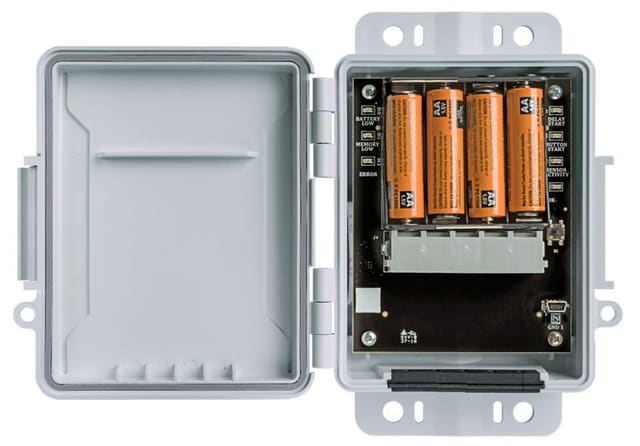
- HS142: a compact logger for weather stations, with five sensor inputs, direct USB download and an IP66 enclosure. It runs for up to a year on four AA batteries, according to the datasheet.
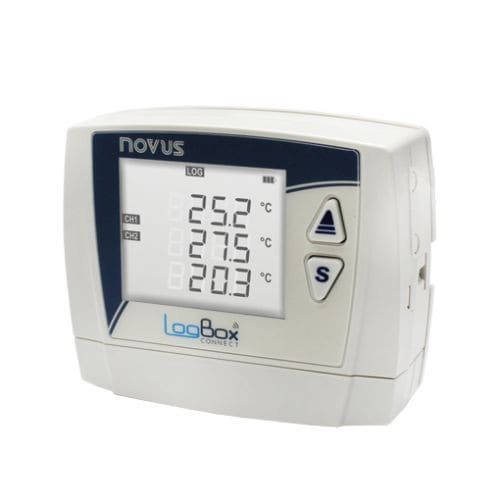
- LogBox BLE (NOVUS): a multichannel logger with three analog inputs and one digital. It accepts thermocouples, Pt100, voltage and current. It communicates over USB and Bluetooth, with a phone app.
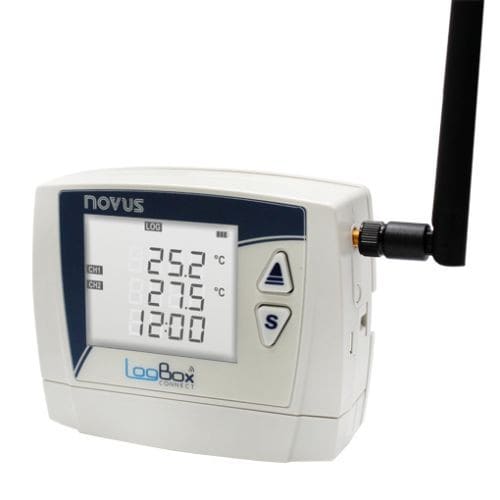
- LogBox 3G (NOVUS): a logger with two analog inputs and one digital, 3G/2G communication, SMS alarms and access through the NOVUS Cloud platform.
- HD33MT.4 (Delta OHM): a logger with four analog inputs, two counting inputs, an RS485 port with Modbus RTU and an SDI-12 port. It transmits over 4G, 3G and GSM and sends the data by email, FTP or HTTP.
- CR310-WiFi (Campbell Scientific): a compact, programmable logger that measures analog and digital sensors, including over SDI-12 and RS-232. It has Ethernet and Wi-Fi, a solar charge regulator and support for several protocols.
Checklist before you ask for a quote
- The sensors and the signal type of each one, and the number of channels.
- The reading interval and the logging time you need.
- How you will collect the data and the network coverage at the site.
- The power available and the expected consumption.
- The environment and the enclosure’s protection rating.
- Software, alarms and calibration plan.
If you would like help building this list for your case, talk to a specialist or build your quote list.
Instruments for this application
HenSistemasHS142
HS142 Weather Station Data Logger
NovusLogBox-BLE
LogBox Bluetooth (BLE) Multichannel Data Logger
NovusLogBox-3G
LogBox 3G - 3G/2G Multichannel Data Logger
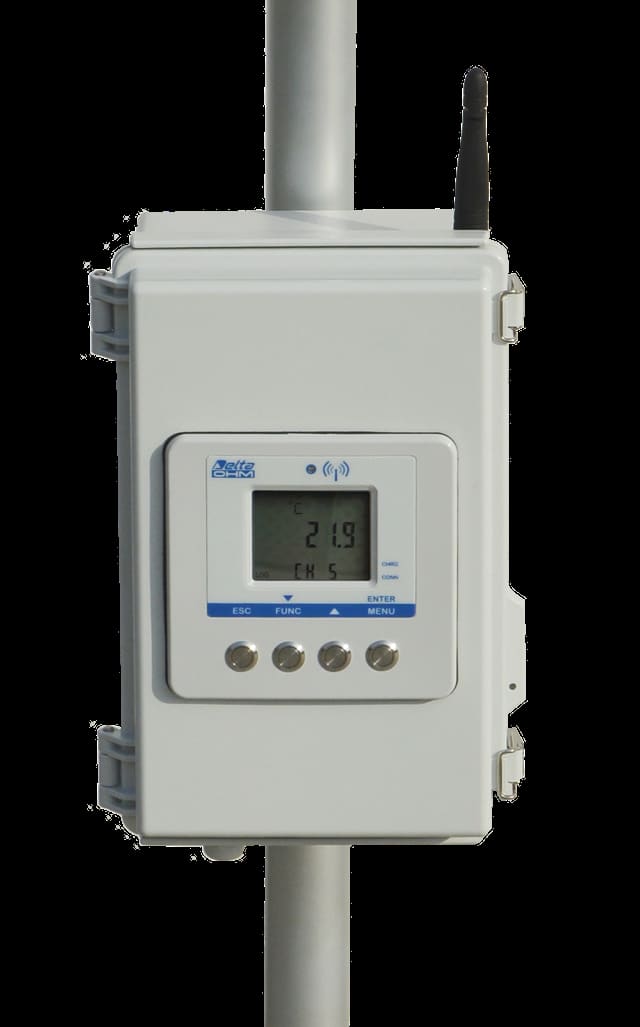
DeltaOhm - GHM GroupHD33MT.4
HD33MT.4 Data Logger for Weather Station
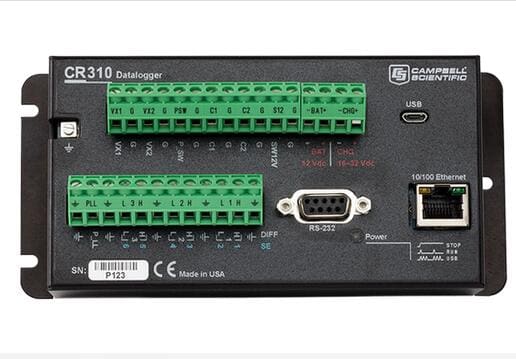
Campbell ScientificCR310-WiFi
CR310-WiFi Datalogger with Ethernet
Keep reading
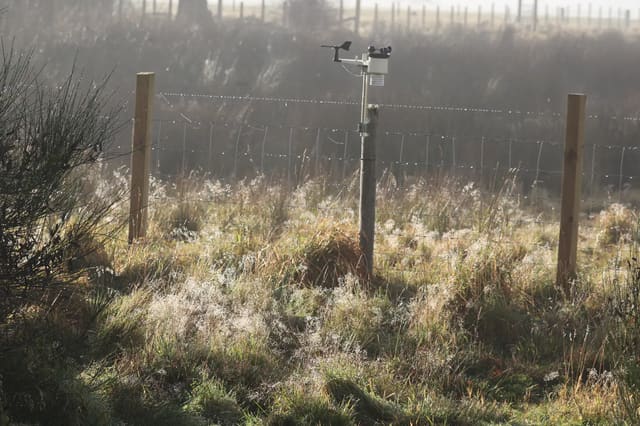
How to choose a weather station
What to consider when choosing a weather station: the variables you need to measure, the installation site, the power supply and how to access the data.
Water quality: what to monitor?
Which parameters to follow to understand water quality, such as pH, dissolved oxygen, conductivity and turbidity, and what each one indicates.